


-
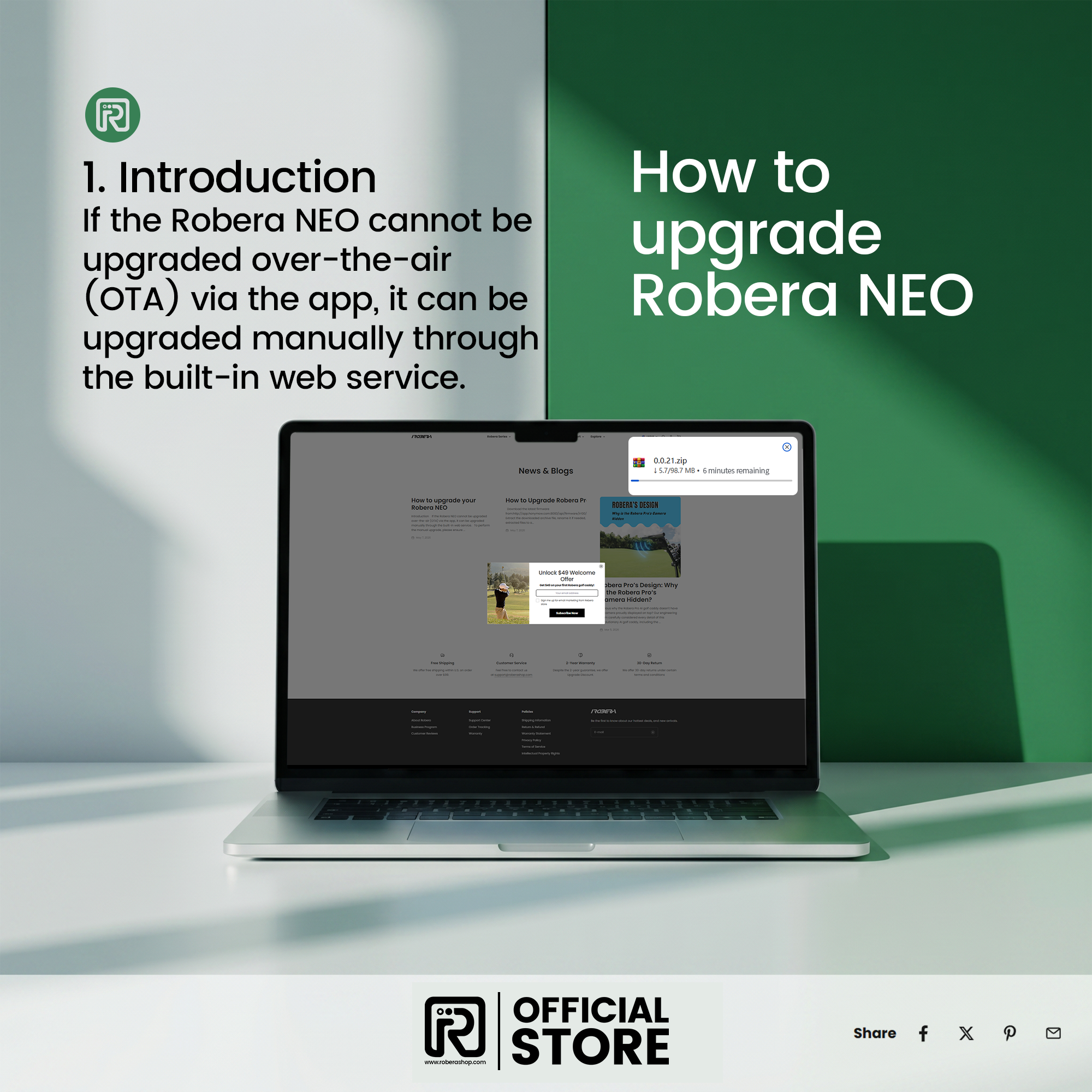
Download the latest firmware from:
http://app.honymow.com:8083/api/firmware/ir100/latest/archive/zip - Extract the downloaded archive file, rename it if needed, then copy all extracted files to a USB drive.
- With the cart powered off, insert the USB drive into the cart.
- Turn on the cart. The upgrade will start automatically.


Leave a comment
This site is protected by hCaptcha and the hCaptcha Privacy Policy and Terms of Service apply.